Audi connect navigation & infotainment
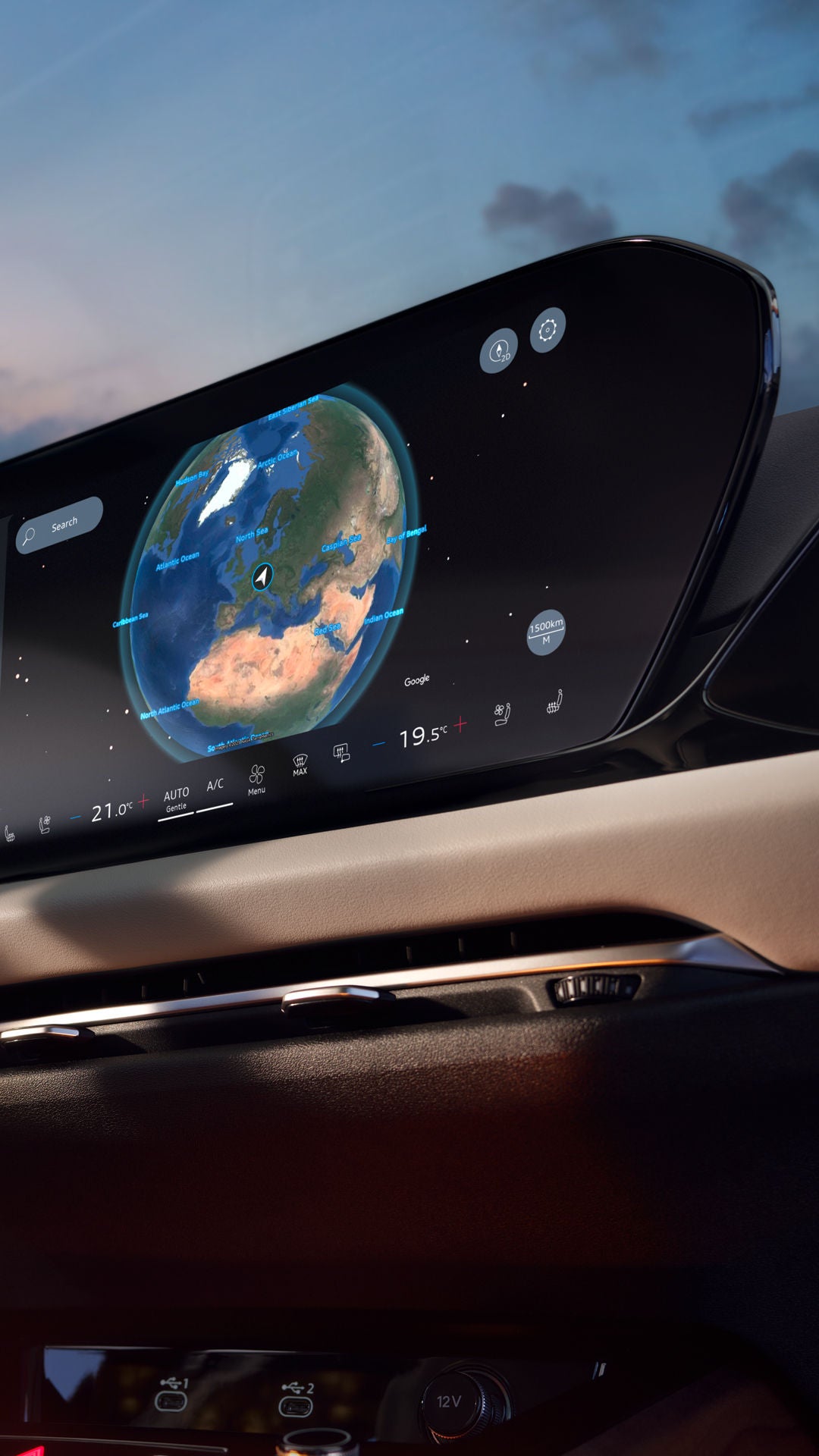
Digital Audi cockpit at sunset with navigation map, music player, and climate display on a large panoramic display.

Exactly the connections that will take you further.

Wherever you go, make it easy for yourself: thanks to Audi connect navigation & infotainment, you can reach your destination using the best route possible. Connect your vehicle intelligently with the outside world and benefit from a wide range of useful online services. Get support with your journey and travel planning, stay informed in real time with comprehensive traffic services, use the smart Audi assistant or enjoy diverse entertainment.

Note: Find out which packages and services are available for your Audi in the configurator or directly in your myAudi app.

All services for Audi connect navigation & infotainment
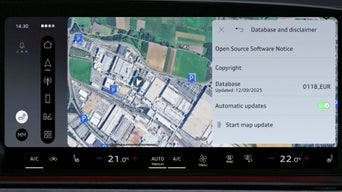
Large digital cockpit with navigation map and control functions in an Audi interior.

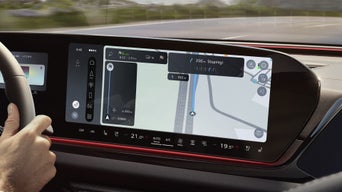
Map update online

New bridges or road names: the road network is changing. The online map update regularly provides the latest road maps "over the air" for navigation. This keeps your Audi navigation system up to date. Start your update now and stay on the right course.

3D city map on the digital speedometer behind the Audi steering wheel with navigation displayed.

Online traffic information (plus)

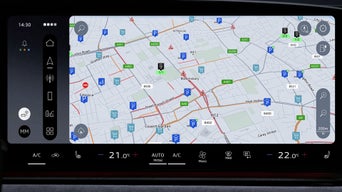
The online traffic information service provides you with up-to-date information about the traffic situation, traffic jams and obstructions. The online traffic information plus service also provides continuous real-time updates and predictive data for greater accuracy when calculating your arrival time and the best possible route guidance. Let yourself be guided smoothly through the traffic with lane-level traffic flow data on motorways and at inner-city intersections as well as with lane closures shown on the MMI display.

Navigation view on the digital speedometer shows winding roads and river courses in high resolution.

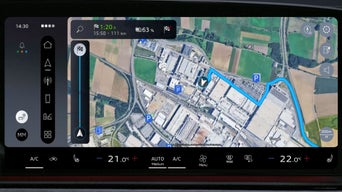
Navigation with Google satellite map

The detailed, high-resolution satellite map from Google provides a realistic depiction of the surroundings in your Audi navigation system and helps you find where you are going. Thanks to the aerial photos, you can recognise places and prominent landmarks better, making it even easier to find your way around.

Close-up of a hand holding a smartphone with an open charging station map app in front of the rear of an Audi.

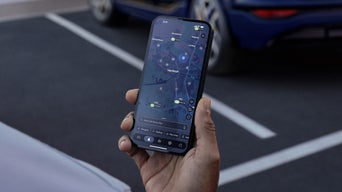
e-tron route planner

Discover the ease of electric driving: with the latest charging station data and intelligent route guidance, the e-tron route planner guides you efficiently to your destination. The current traffic situation, preferred charging providers, occupied status of the charging station and charge status of your vehicle battery are taken into account in order to plan charging stops as required and allow you to arrive feeling more relaxed. For swift charging, the vehicle battery is prepared when approaching a charging stop. You can also prepare your route from the comfort of your own home in the myAudi app and simply transfer it to your Audi electric vehicle.

The central infotainment display in an Audi shows voice output settings and music player.

Audi assistant

"Hey Audi, I've got cold feet!" – with the Audi assistant, you can operate numerous vehicle and infotainment functions simply by voice. Over time your smart companion will suggest the automation of certain recurring actions for you, such as activating the steering wheel heating on cold days or unlocking the doors at locations where passengers always get in. Cloud-based AI models can help to improve recognition and the quality of search results. They also bring concentrated knowledge from the internet into the vehicle in natural language.

Vehicle display with Google destination search; example terms such as “pizza” or “playground” are displayed.

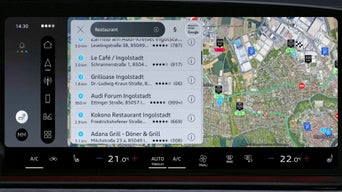
Online search for destinations powered by Google

Experience the convenient online search for destinations, which not only provides you with address data, but also important information such as opening hours, ratings and contact details for your search entry. Thanks to the integration of Google search results and voice control, you can find your destinations quickly and without distraction and adopt them directly as navigation destinations.

Person holding a smartphone with a map app in front of a vehicle display with Audi menu displays.

myAudi navigation

Plan your journeys conveniently with the myAudi app on your smartphone. Transfer your destinations and favourites directly to your Audi navigation system or synchronise your destination search between the app and your vehicle. Get suggestions based on regular journeys or, if necessary, be guided to your destination on foot with "last mile navigation" in the myAudi app. Outside the vehicle too, myAudi stays by your side and shows you the way.

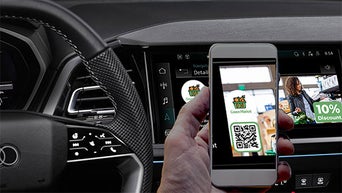
A smartphone with a QR code is held in front of an infotainment display with an advertisement in the vehicle.

Online points of interest

With the integration of various online databases, you can easily find points of interest such as fuel stations, charging stations or supermarkets. Stay up to date on current fuel prices, free parking spaces and available charging stations. A “special” symbol in the search result indicates stored campaigns, which means that you can also benefit from vouchers or promotions and additional information about the destination.

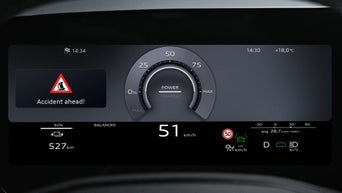
Navigation map with traffic information is displayed on an infotainment display in the Audi.

Hazard alerts

Thanks to sensor technology in vehicles throughout the Volkswagen Group fleet, swarm intelligence is used and potential risks such as accidents, breakdowns and adverse weather conditions such as fog or black ice are detected and this information passed on to you. The warnings are given acoustically and visually. This allows you to adjust your driving style in good time and arrive at your destination feeling relaxed.

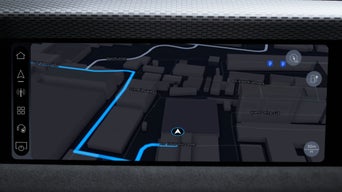
Navigation display on the Audi display with a 3D map view of an urban area along a riverbank.

High-detail 3D city view

This will help you find your way around the city: the high-detail 3D city view from Audi offers an improved and more realistic visualisation of road lanes, buildings and places of interest in selected cities. Enjoy navigation with even more attention to detail.

A green Audi is parked in front of a modern office building, and a man is walking away from the vehicle.

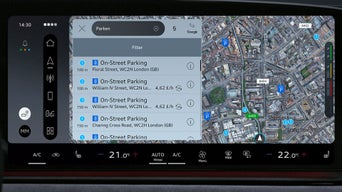
On-street parking

What is the probability of finding a parking space? With on-street parking you can see at a glance where potentially free parking spaces are available along certain roads. You will also receive useful information on parking prices or whether the parking is for residents only, for example.

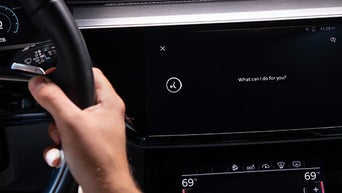
The driver holds the steering wheel, and the central screen displays a voice control prompt with the question: “What can I do for you?”

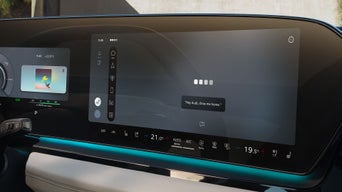
Online speech input

Start the online speech input by saying "hey Audi" – simply without pressing a button. Say what's on your mind and your Audi will do the rest. From route planning to controlling the air conditioning – everything is just a voice command away. The integration of ChatGPT, provided via Microsoft Azure OpenAI service, extends online speech input and also brings concentrated knowledge from the internet into the vehicle.

A silver Audi drives up a spiral ramp in a bright, modern parking garage with blue lighting accents.

Wi-Fi hotspot

Turn your Audi into a Wi-Fi hotspot and connect up to eight devices simultaneously. Use high-speed internet via your vehicle's external aerial. This allows you to conserve the battery of your mobile devices and reduce mobile phone radiation in the vehicle interior. To use it you will require an activated data plan with our mobile communications partner.

A gray Audi A7 drives around a street corner in the city, with cyclists blurred in the foreground and buildings in the background.

Online traffic light information

Green wave ahead: online traffic light information lets you keep an eye on the city traffic. Your Audi shows you the right speed to drive at in order to reach the next traffic light on green. If the speed limit does not allow this, you will see a countdown of the remaining waiting time. This allows you to adapt your driving style in advance and avoid unnecessary stops.

Hand holding smartphone with vehicle control menu in front of an Audi vehicle with blurred radiator grille.

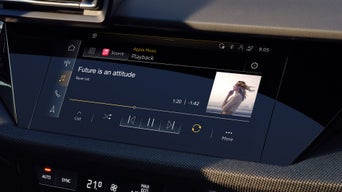
Online media streaming

Immerse yourself in the boundless world of online radio: enjoy your favourite stations or be surprised by new music, news and podcasts. You also have access to your favourite music services such as Apple Music or Amazon Music and can stream your music directly via the MMI.

Woman looking at the digital navigation display in the Audi steering wheel with a road map shown on it.

Lane-level navigation (motorway)

Lane-level navigation on motorways shows you precise lane information at motorway junctions and exits so that you always stay in the right lane. The improved positioning of the vehicle enables a realistic, visual representation. The lane-level navigation service provides you with additional navigation data – both in the city and out on the road. So you can navigate even more precisely.

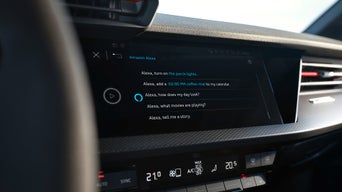
Hand on the steering wheel in front of a display with activated Amazon Alexa voice control in the Audi cockpit.

Amazon Alexa integration

Imagine being able to update your shopping list, play audio books or control your smart home devices while driving – all very easily by voice command. No typing, no searching, just speak. Audi brings you the benefits of Amazon Alexa directly into your car so that you can concentrate on what's important: driving. Depending on vehicle model, Amazon Alexa is available via the Audi connect navigation & infotainment package or via the Audi Application Store.
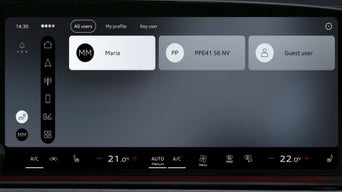
Digital display in Audi shows interior lighting options and brightness adjustment controls.

User profiles

The Audi user profiles allow you to save a wide range of vehicle settings. From the seat and mirror position to the infotainment settings and interior lighting – customise your Audi to suit your individual needs. For a personalised greeting in the vehicle, you now also have the option of adding a profile picture.

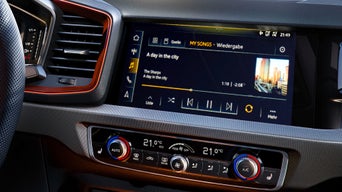
Infotainment-Display im Audi mit Musikwiedergabe „A day in the city“ und Bedienelementen für die Klimaanlage.

Hybrid radio

Hybrid radio technology ensures an excellent radio listening experience. The radio switches automatically between traditional FM radio or DAB and the station’s compatible online radio stream. This means you can enjoy the best possible reception.

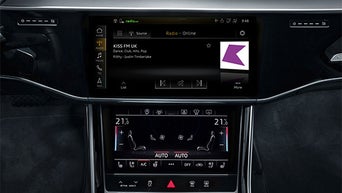
Center console with display shows radio station KISS FM UK and below it the automatic climate control set to 21.5 °C on both sides.

Online radio

With online radio, the static noise produced by the radio in tunnels or outside the signal coverage is a thing of the past. Instead, get used to having access to a huge selection of radio stations worldwide – whether you prefer local news, international music or special genre stations.

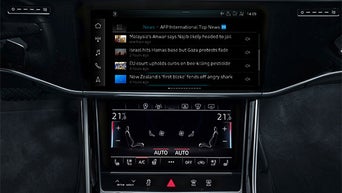
Central display shows international news reports, including digital climate control with seat heating control.

Online news

Enjoy the feeling of not missing anything: have the latest reports and news from all over the world displayed and read out directly in your vehicle and stay up to date on your favourite topics such as football, politics or business while you drive.

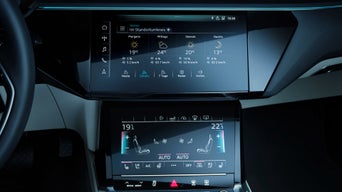
Weather display for Tiergarten, Berlin, on the central display, with digital climate control set to 21 °C below.

Weather information

Know what the weather’s going to be, wherever you are heading. Audi connect provides you with custom information: Weather forecasts and severe weather warnings are presented with descriptive charts.

Audi connect licence extension

Is your vehicle Audi connect-capable and are you already using Audi connect services? In myAudi, you can see at a glance which licence is soon to expire or has already expired, and renew your Audi connect licence directly.

Here is how: 

The most important steps

Step 1: Log in to myAudi

Open the myAudi app or visit www.my.audi.com. Log in to your verified myAudi account as the key user or a secondary user. If you do not yet have a myAudi account, please register first.

Step 2: Select or add vehicle

In order for the Audi connect licence renewal to be displayed, you must add an Audi connect-capable vehicle to your myAudi account using the vehicle identification number (VIN).

Step 3: Renew Audi connect licence

Open the myAudi app and click on the shopping bag icon in the bottom right corner, then select the Audi Functions Store. When using the myAudi web portal, click directly on the Audi Functions Store. Select the required Audi connect package including renewal term and follow the checkout process. The next time you start your vehicle, your digital services will be active again.

Further Audi connect packages
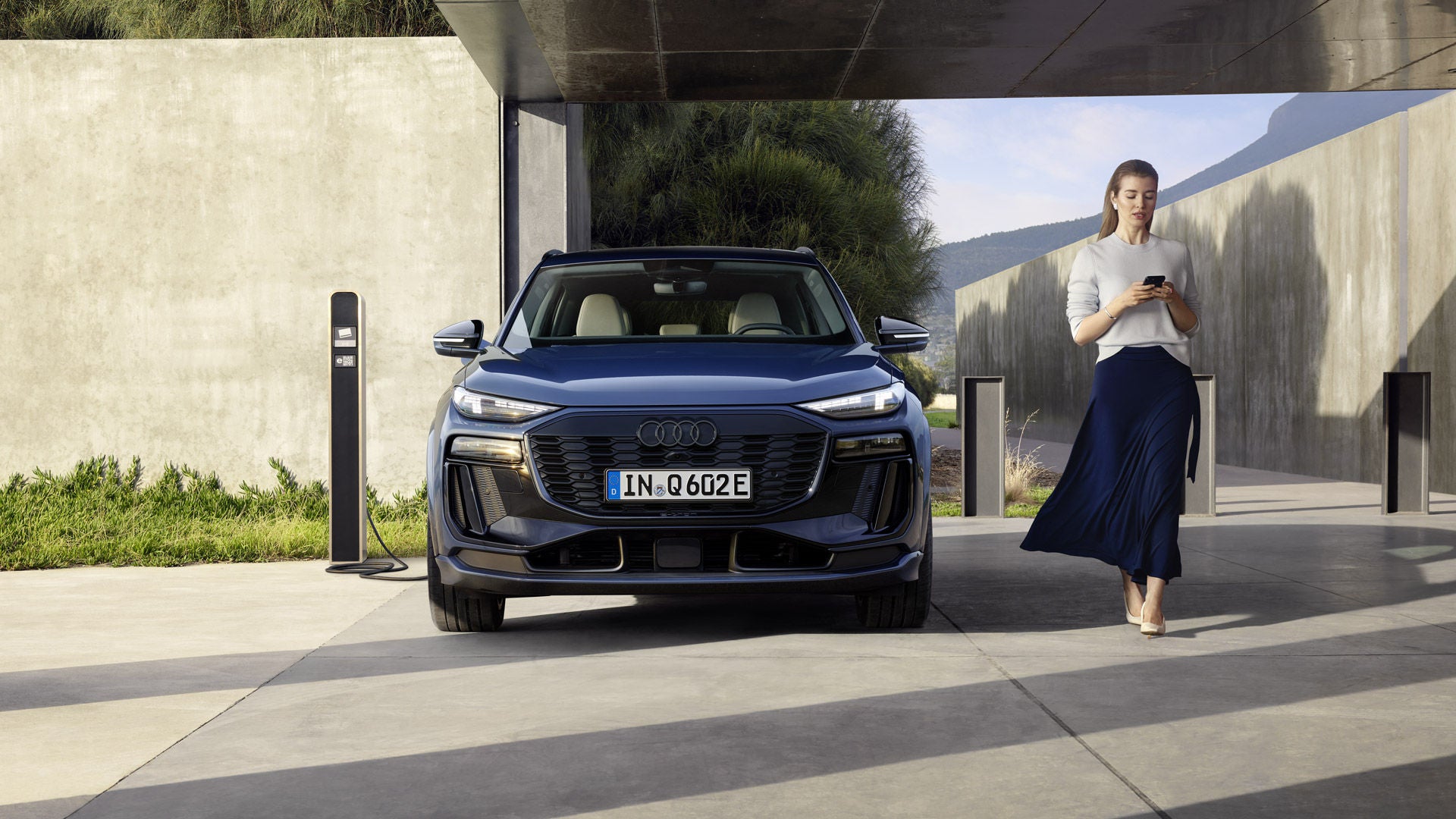
A woman walks past a parked Audi Q6 e-tron connected to a charging station.

Emergency call & service

Always on board – a reassuring feeling: whether you've had an accident, broken down or a service appointment is due, Audi connect emergency call & service provides you with rapid assistance if the worst comes to the worst. Benefit from useful and predictive service functions and convenient appointment booking with your preferred Audi Partner.

A woman stands with her smartphone next to a silver Audi Q6 e-tron charging at a home charging station.

Remote & control

Simply connect your Audi to your smartphone: with the myAudi app, you can control and monitor certain functions remotely. Audi connect remote & control offers you practical services: set the desired charging time, lock and unlock the vehicle or start the pre-entry climate control.
FAQ

Zwei Elektrofahrzeuge von Audi vor einem modernen, Gebäude bei Sonnenuntergang auf einer offenen Betonflächen.

You don’t have an Audi yet?

Whether sporty, luxurious or compact – at Audi you will find the right vehicle for every requirement. Discover and configure our production models now.

Loading..