Digital key

Easy access. All without your car key.
The digital vehicle key makes your life easier: unlock, start and lock your Audi conveniently with your iPhone, Apple Watch or Android™ device, without having your car key with you. Find out from your Audi Partner or in the configurator which models the digital key is available for.
Your benefits



The most important steps
Check the compatibility of your iPhone, Apple Watch or Android device and have your myAudi account verified by an Audi dealer.
Activate Bluetooth on your device and make sure that the "convenience key" function in your vehicle is enabled via the MMI.
Add your vehicle in the myAudi app by entering the VIN and the vehicle code. The remaining setup procedure can be completed by e-mail, MMI or via the myAudi app. Detailed information can be found in the FAQs.
Audi connect packages.
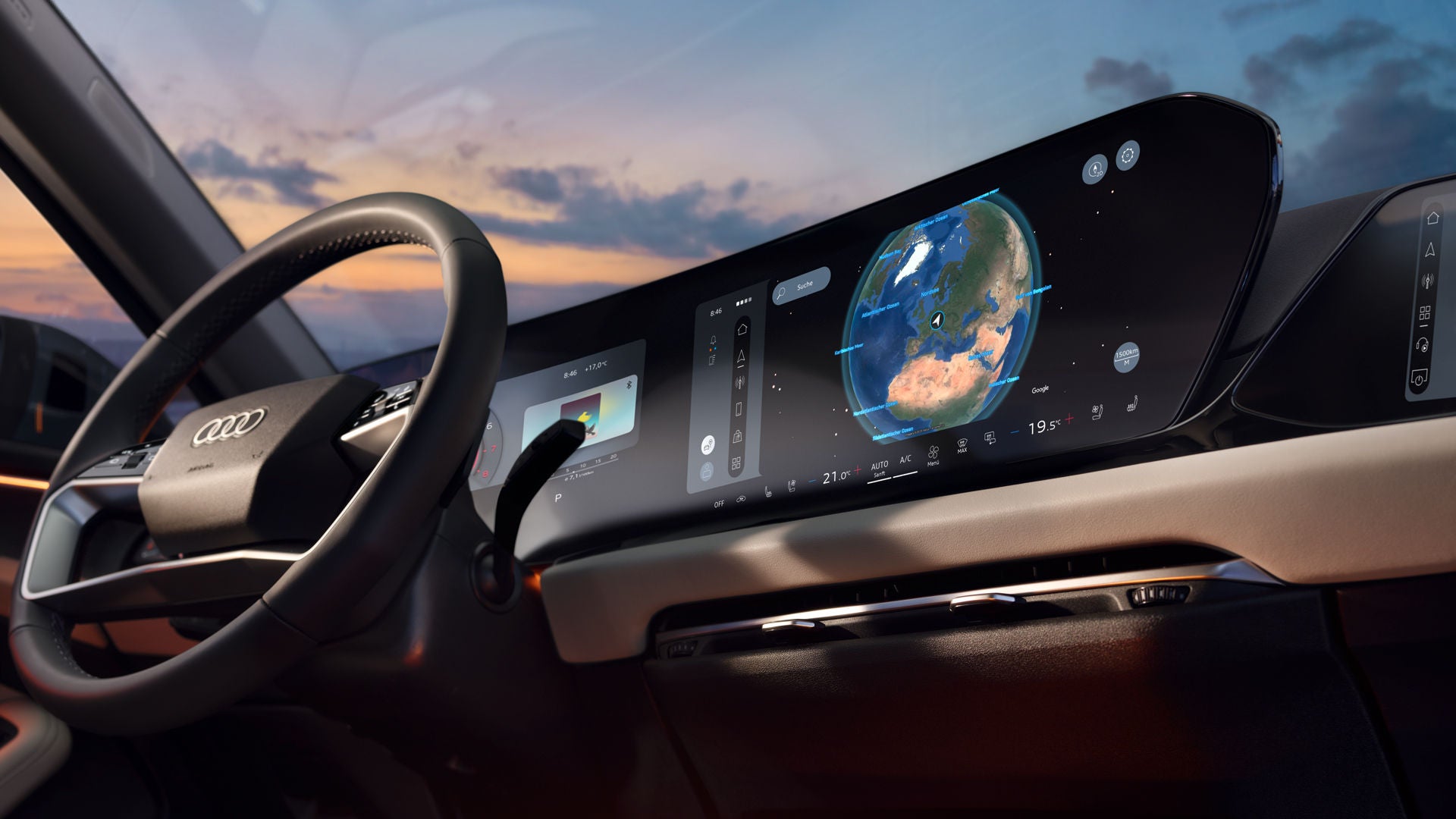
Navigation & infotainment
No matter where your journey takes you, Audi connect navigation & infotainment will get you to your destination with ease. With up-to-date maps and useful online services such as real-time traffic information, points of interest with fuel prices or vacant charging stations as well as the intelligent voice assistant, your Audi helps you with route planning and ensures a pleasant journey.
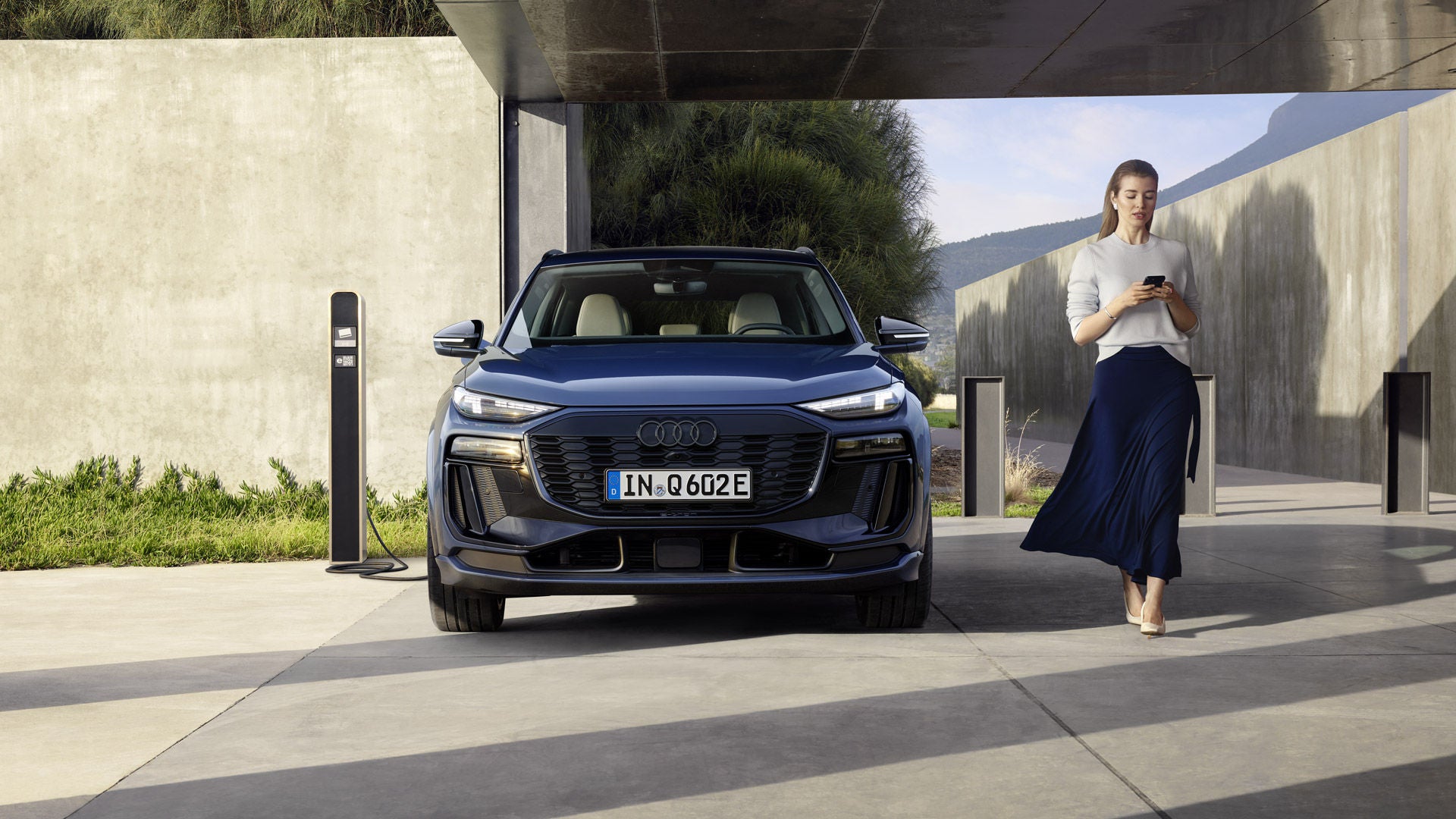
Emergency call & service
Always on board – a reassuring feeling: whether you've had an accident, broken down or a service appointment is due, Audi connect emergency call & service provides you with rapid assistance if the worst comes to the worst. Benefit from useful and predictive service functions and convenient appointment booking with your preferred Audi Partner.

Remote & control
Simply connect your Audi to your smartphone: with the myAudi app, you can control and monitor certain functions remotely. Audi connect remote & control offers you practical services: set the desired charging time, lock and unlock the vehicle or start the pre-entry climate control.